


Trading CoPilot
Never miss a trade because you stepped away.
Real-time AI trading alerts and execution companion for forex traders.
Key takeaways
4 things that decide this
- 01Hashlogics built Trading CoPilot, an AI assistant that turns TradingView alerts into real-time trade messages and broker execution.
- 02Each alert reaches the trader over messaging, waits for a yes or no, then executes the approved trade through a broker connection.
- 03Filtering rules prioritize accepted alerts and expire rejected ones, so noise drops fast.
- 04A web dashboard keeps alerts, trades, logs, and settings in one place, with a chat companion that knows the trade in front of you.
- Client
- Private trading client
- Industry
- Trading / FinTech
- Region
- United Kingdom
- Engagement
- B2B · subscription SaaS · AI platform + web app
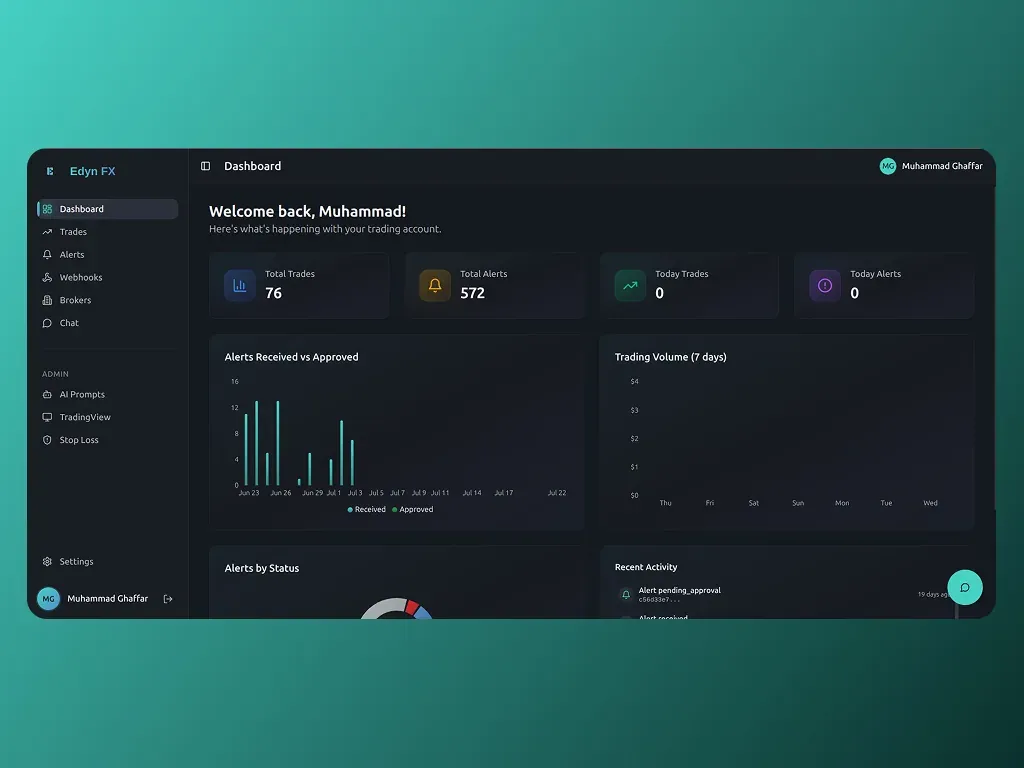
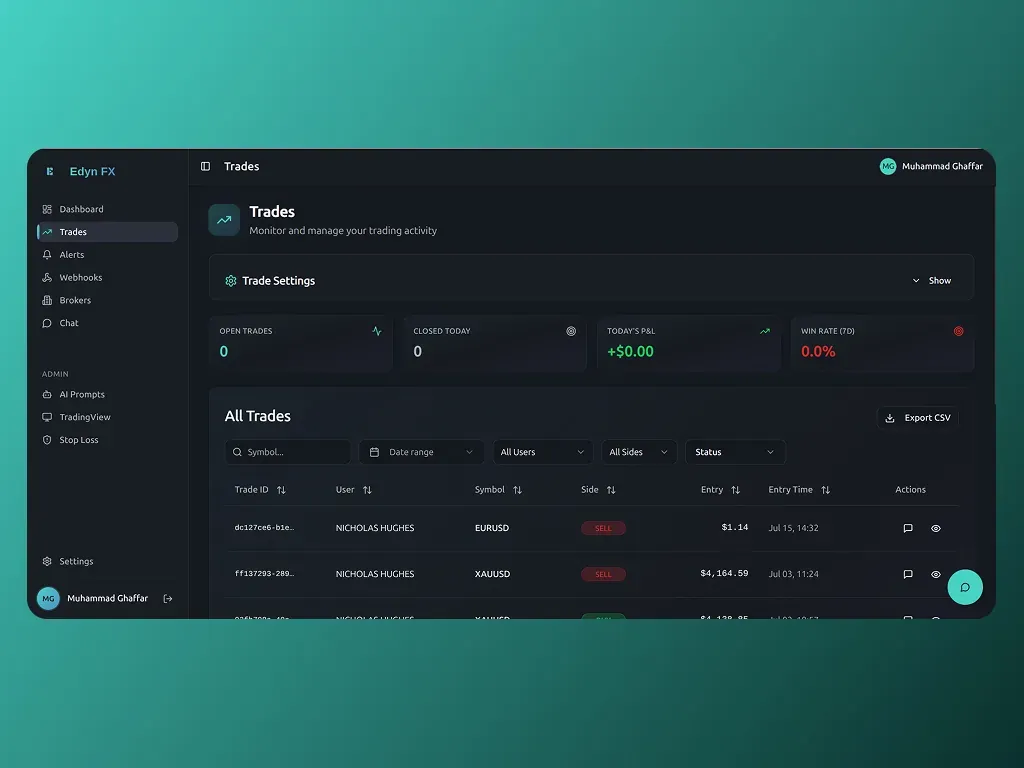
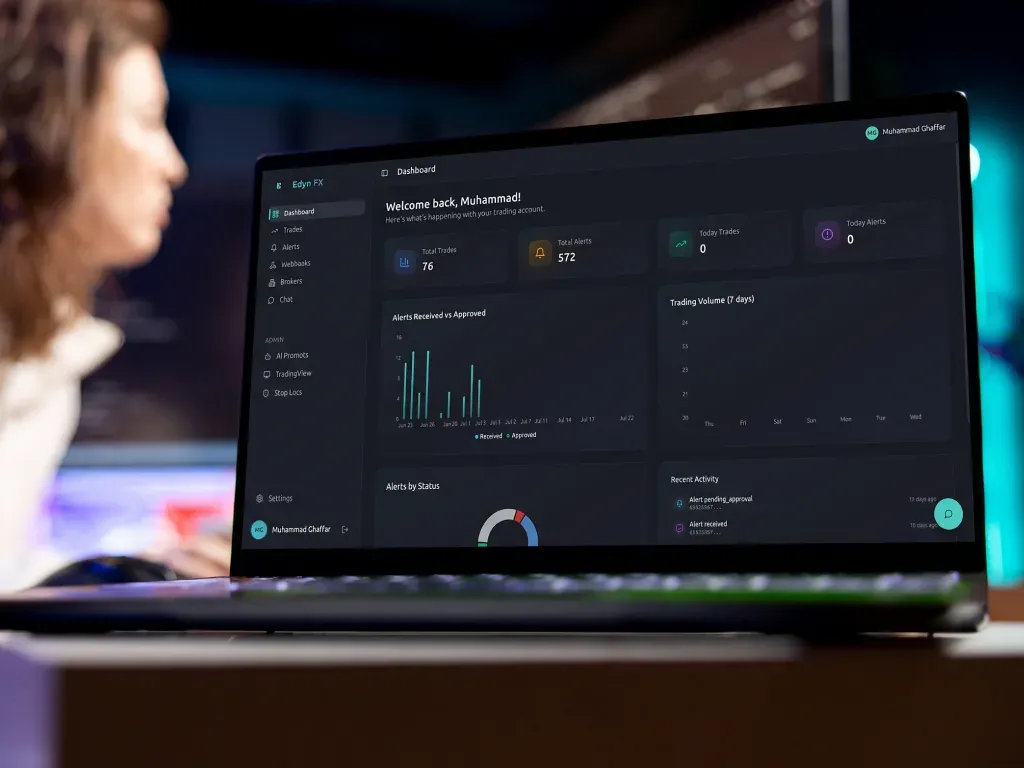
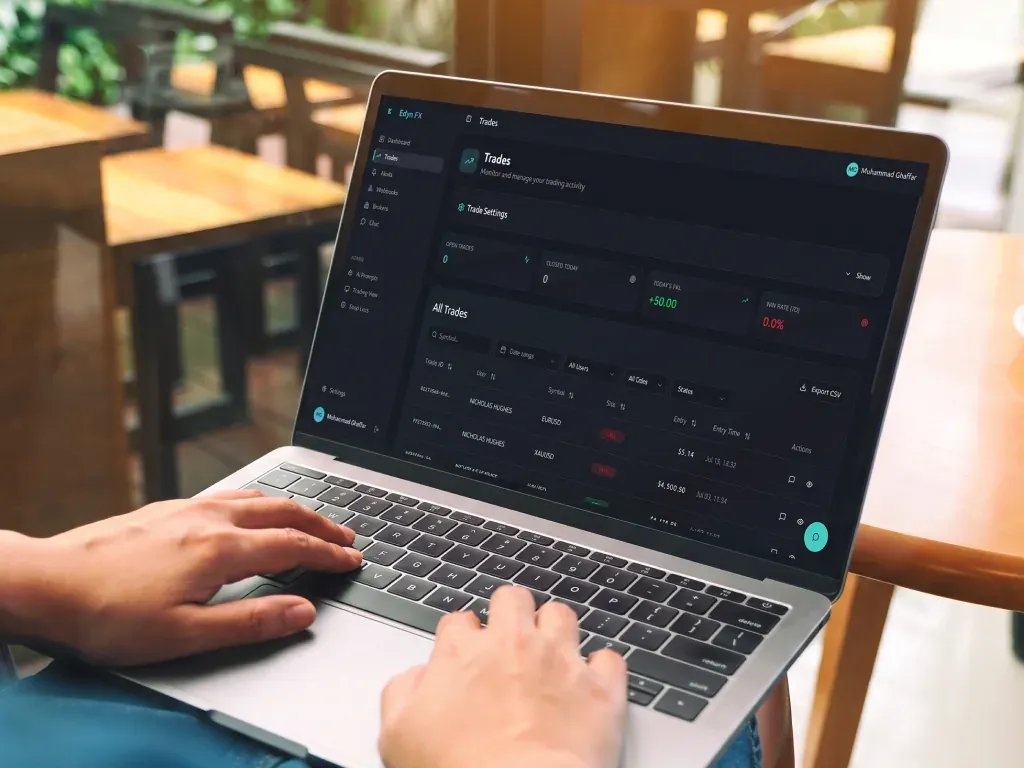
Trading CoPilot turns TradingView alerts into clear, real-time trade guidance. It sends each alert to the trader over messaging, waits for a yes or no, and executes the approved trade through a broker connection. A web dashboard keeps alerts, trades, logs, and settings in one place, plus a chat companion that knows the trade in front of you.
The problem we set out to solve.
Traders missed good setups when work or life pulled them away from the screen.
The workflow was manual — screenshots passed from TradingView to chat to broker.
Too many low-quality alerts buried the signals that mattered.
Generic chatbots could not reason about a specific open trade.
What success needed to look like
- A trader never misses a valid setup, even away from the screen.
- Approve or reject a trade in one tap, from anywhere.
- Only high-confidence alerts surface — the noise expires on its own.
- Every alert, decision and trade is logged and auditable.
Five stages, one trader in the loop.
- 01
Diagnose
Mapped the real workflow from TradingView alert to broker order. Pinpointed exactly where good setups were being lost.
- 02
Design
Designed the alert → approve → execute loop and the confidence-filtering rules together with the trader.
- 03
Build
A senior pod built the webhook listener, AI insight engine, messaging bot, broker connector and dashboard, tested against live alerts.
- 04
Launch
Shipped into live trading with real TradingView alerts and a connected broker, watched closely for the first sessions.
- 05
Run
Kept it running: filtering tuned to cut noise, logs monitored, and the companion chat sharpened as usage grew.
What we built.
We built a platform that ingests TradingView alerts through a webhook listener, enriches each one with AI insight, and messages the trader in real time. On a yes, it executes the trade through a broker connection and logs the result. The dashboard shows alert history, trades, and logs, while a companion chat answers questions about a specific alert or trade. Filtering rules prioritize accepted alerts and expire rejected ones, so noise drops fast.
- TradingView alertWebhook fires the instant a setup triggers.
- AI insight engineScores the alert and attaches a confidence read.
- Trader messageTelegram ping with a one-tap yes or no.
- Broker executioncTrader places the order on approval, logs the rest.
- Dashboard logEvery alert, decision and trade recorded for review.
Rejected or unanswered alerts expire on their own. Nothing sits waiting for a reply that never comes.
Tech stack
- React
- FastAPI
- Supabase (PostgreSQL + RLS)
- Supabase Edge Functions
- OpenAI Responses API
- AWS EC2
Integrations
- TradingView Webhooks
- OpenAI Responses API
- Telegram Bot
- cTrader broker integration
Security
- OTP authentication with secure sessions
- Row-Level Security for per-user data isolation
- Encrypted API key storage in Supabase
- Webhook authenticity validation, HTTPS-only endpoints
The hardest part was the expiry timer on unanswered alerts. Too short, and a trader loses a good setup to a slow notification. Too long, and a stale alert executes on a market that already moved. We tuned it against live sessions instead of guessing. That number mattered more than any model choice in the build.
