

A 3PL client portal is a permissions project
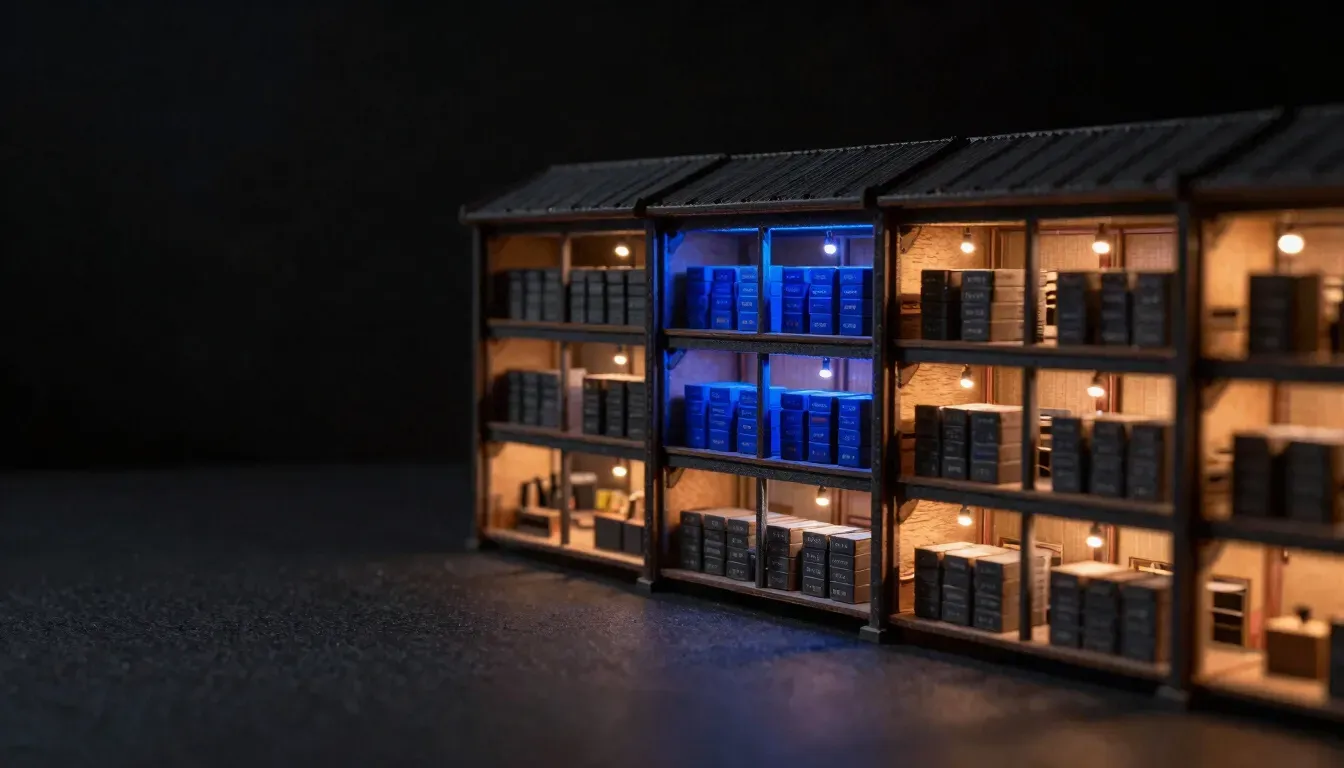
Every client shares your WMS and NetSuite data, so a 3PL portal must prove in the database that each client sees only its own records.
The short version
5 things that decide this
- 01A 3PL client portal is mostly a permissions project. The inventory table, the order list and the invoice view take days. Keeping each client inside its own data is the work.
- 02Every client shares your WMS, your NetSuite account and your shipping tool. They don't share data. The portal has to enforce that line on every request.
- 03Put the rules in the database, not only in the screens. A hidden button isn't a permission.
- 04Test the tampered URL and the direct API call. If client A can change an ID and see client B's order, the portal is broken, however good it looks.
- 05The trade-off: database-level rules make quick one-off exceptions harder. That's on purpose.
Why is a 3PL portal harder than it looks?
Your clients want to log in and see what you see: stock on hand, open orders, shipments, and what you billed them for. That sounds like a few screens on top of data you already have.
The catch is that the data was never split by client in the first place. Your warehouse management system holds every client's SKUs in one place. NetSuite holds every client's invoices in one ledger. ShipStation, or whatever you ship through, holds every client's labels in one account. Your own team needs to see all of it. Each client must see only its slice.
So the portal isn't a reporting layer. It's a boundary. Every page, every export and every API response has to answer one question first: who is asking, and which client do they belong to?
Your clients share your systems. Do they share data?
No, and the portal must make that true even when someone tries. Most 3PL data leaks aren't hacks. They are a filter that someone forgot on one report, or an export that pulled every row because the query had no client condition.
That kind of mistake is easy to make when the client check lives in each screen. Ten screens means ten places to forget it. Add a CSV export, a search box and a mobile view, and the count keeps growing.
The fix is to move the check down one level, so no screen can forget it.
Where should the client rules live?
In the database. With row-level security, every table knows which client owns each row, and the database refuses to return a row the current user isn't allowed to see. A screen that forgets to filter still gets only the right rows back.
We built Smart Site for Functional Fox this way. It's a multi-tenant platform where many independent parks share one system and no park may see another park's data. Row-level security is forced on all 23 database tables, so the database decides who sees what. Anonymous visitors have zero direct table access.
A 3PL has the same shape. Replace parks with clients, and campsites with SKUs, orders and invoices. The rule is the same: the tenant boundary lives in the data layer, and the screens inherit it.
Which roles does a 3PL portal need?
Start with three, and add more only when a real person needs them. Every role you add is another set of rules to test.
TankAware, a platform we built for petroleum site inspections, runs each client company in its own space under a dedicated subdomain, with five roles from Super Admin to Contractor. Five was right there because contractors and site managers do different work. A 3PL usually starts smaller.
- 01Client admin: sees everything for their company, adds and removes their own users, downloads invoices.
- 02Client user: sees stock and orders for their company, places or edits orders if you allow it, no billing.
- 03Your ops team: sees every client, can act on behalf of one, and every such action is logged with who did it.
How do you know clients cannot see each other's data?
You attack it on purpose, in automated tests that run on every change. Log in as client A. Take a real order ID from client B. Put it in the URL. Call the API directly with it. Try to export it. Each attempt must fail.
On Functional Fox the test suite covers exactly this: tenant isolation, privilege escalation, tampered URLs and direct API calls. Six suites hold 43 automated end-to-end tests. An internal security audit before handover found three critical defects, and all three were fixed before launch.
Ask any firm that quotes your portal how they will test isolation. If the answer is a manual check before go-live, it will drift the first time someone adds a report.
How does billing fit into the portal?
Billing by the touch only works if each touch is recorded against the right client at the moment it happens. A pick, a pack, a pallet move, a storage day. If those events are stamped with the client ID in the same record the portal reads from, the invoice and the portal agree by construction.
That's also what makes disputes short. When a client asks why they were charged for a lift, you open the event, not a spreadsheet. We cover the billing side in how to automate 3PL billing by the touch.
Where do NetSuite, ShipStation and the WMS API fit?
They stay the systems of record. The portal reads from them and never becomes a second copy that drifts. In practice that means a sync layer that pulls from your WMS API, NetSuite, ShipStation or whatever else you run, through their public APIs, tags every record with a client ID on the way in, and stores it where row-level security applies.
Check each API early. Some WMS products expose stock and orders cleanly. Others hide billing events or rate-limit hard. The integration nobody looked at is the most common reason a portal project moves.
If you're weighing a packaged option first, Extensiv vs custom software sets out when a standard client portal is enough. Our 3PL industry page covers the wider build.
What does it take to start?
A 45-minute call to look at your WMS, NetSuite and shipping setup. Then a fixed-fee Blueprint, written by an engineer from your real systems, that sets the roles, the isolation tests and a fixed price per milestone. The Blueprint fee is credited in full against the build. See how we work.
Questions this raises
01What should a 3PL client portal show?+
Each client's own stock on hand, open and shipped orders, tracking, and invoices with the touches behind each line. It should show nothing from any other client, and that rule should be enforced in the database, not only hidden in the screens.
02Is custom software better than a standard WMS for a 3PL warehouse?+
Not always. If your WMS client portal shows what your clients need and your billing rules fit it, keep it. Custom software earns its place when clients need views your WMS can't give, or when billing by the touch needs data the WMS doesn't keep.
03How do you automate 3PL billing by the touch?+
Record every billable event, such as a pick, a pack or a storage day, with the client ID at the moment it happens. Then build invoices from those events. The same records feed the portal, so what the client sees and what you bill always match.
Related
- 3PL software development →Custom software for third-party logistics warehouses.
- How to automate 3PL billing by the touch →Turning warehouse events into accurate invoices.
- Extensiv vs custom software →When a packaged 3PL platform is enough.
- Functional Fox: Smart Site →Row-level security on all 23 tables, tested by attack.
