

BrandLocator
Find your favorite brands' stores on one map.
A bilingual mobile app that maps nearby stores and offers for the brands you pick, backed by an admin portal for managing every pin.
- Client
- BrandLocator
- Industry
- Retail / Brand & Store Discovery
- Engagement
- Consumer mobile app (iOS and Android) · Web admin portal · Shared backend
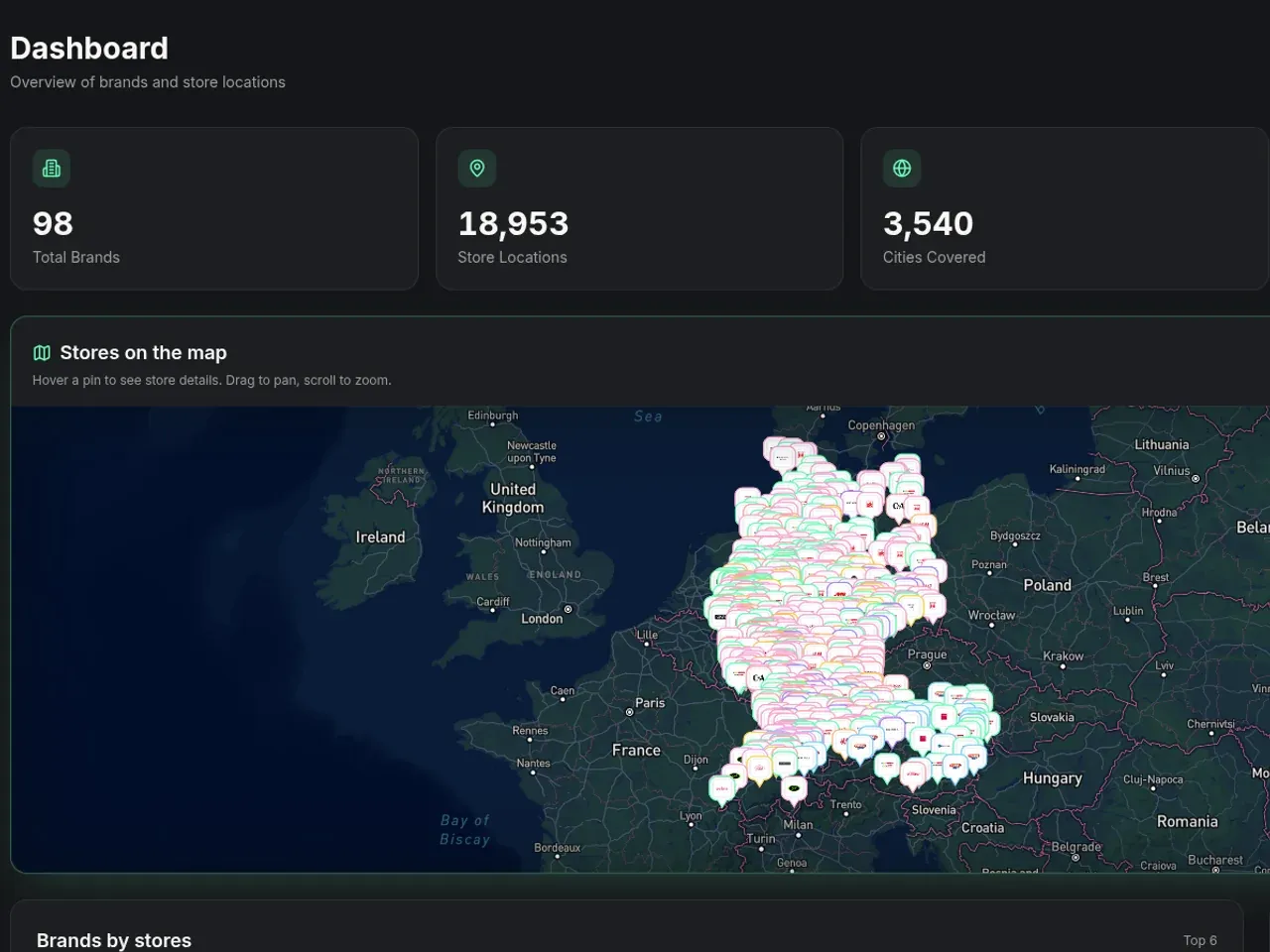
BrandLocator is a map-first mobile app that shows only the stores of the brands you pick, with current offers, opening hours, and directions. A broad map search returns every shop in town. BrandLocator narrows it to your brands, near you. Hashlogics built both halves: the mobile app for shoppers, and the web portal where the BrandLocator team keeps brands, stores, and offers up to date.
Why a plain map search fails brand shoppers.
A broad map search returns every shop, so finding one brand's stores means searching brand by brand.
No store can appear on the map until its address becomes coordinates, and geocoding a large import in the browser would be slow and fragile.
Opening hours, phone numbers, and offers need updating without direct database access.
Big store lists can swamp a phone if the map tries to load every record at once.
Access rules had to hold even when someone skips the portal's screens and calls the API directly.
What success needed to look like
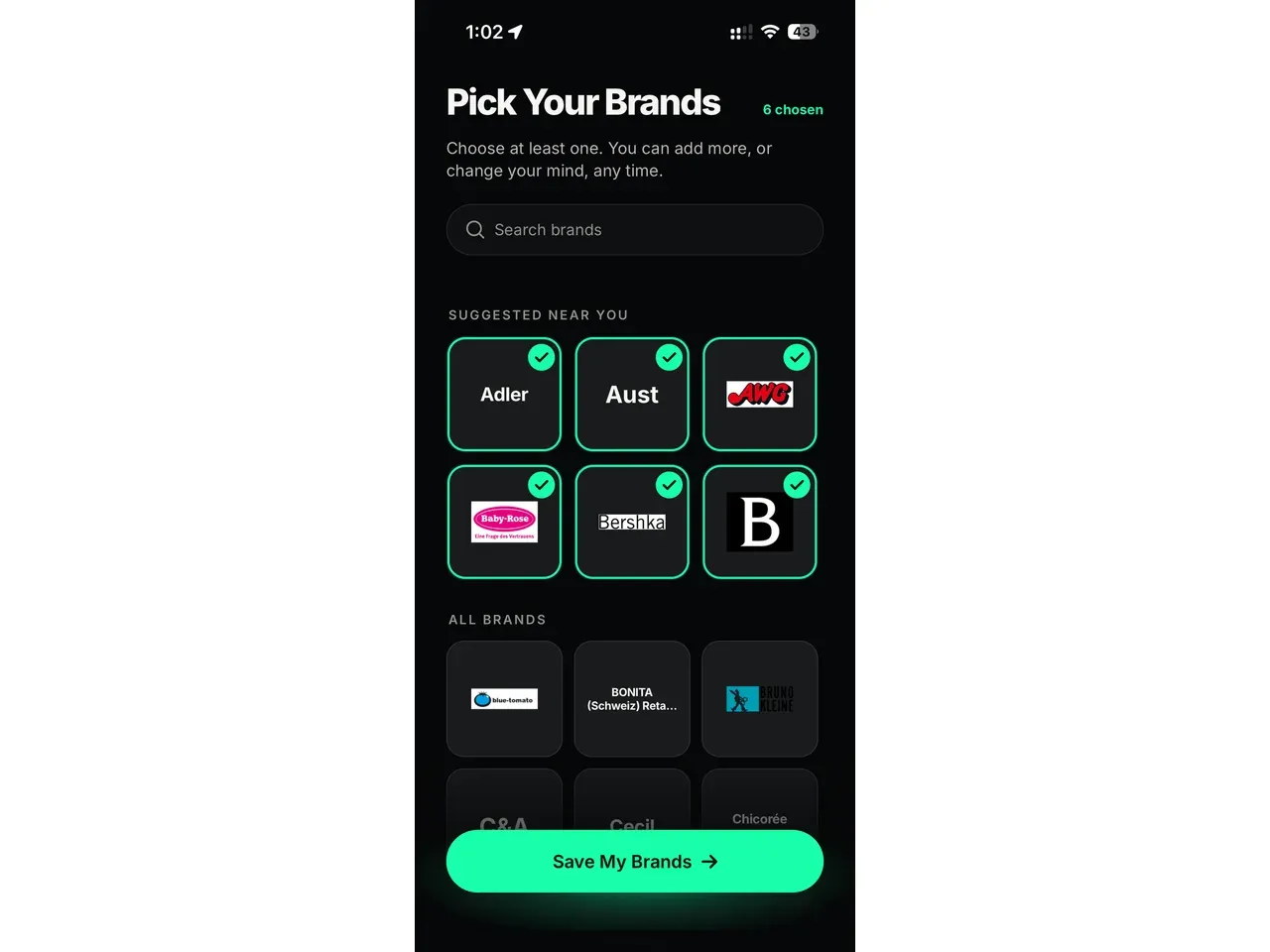
- Keep the map on the brands each shopper chose.
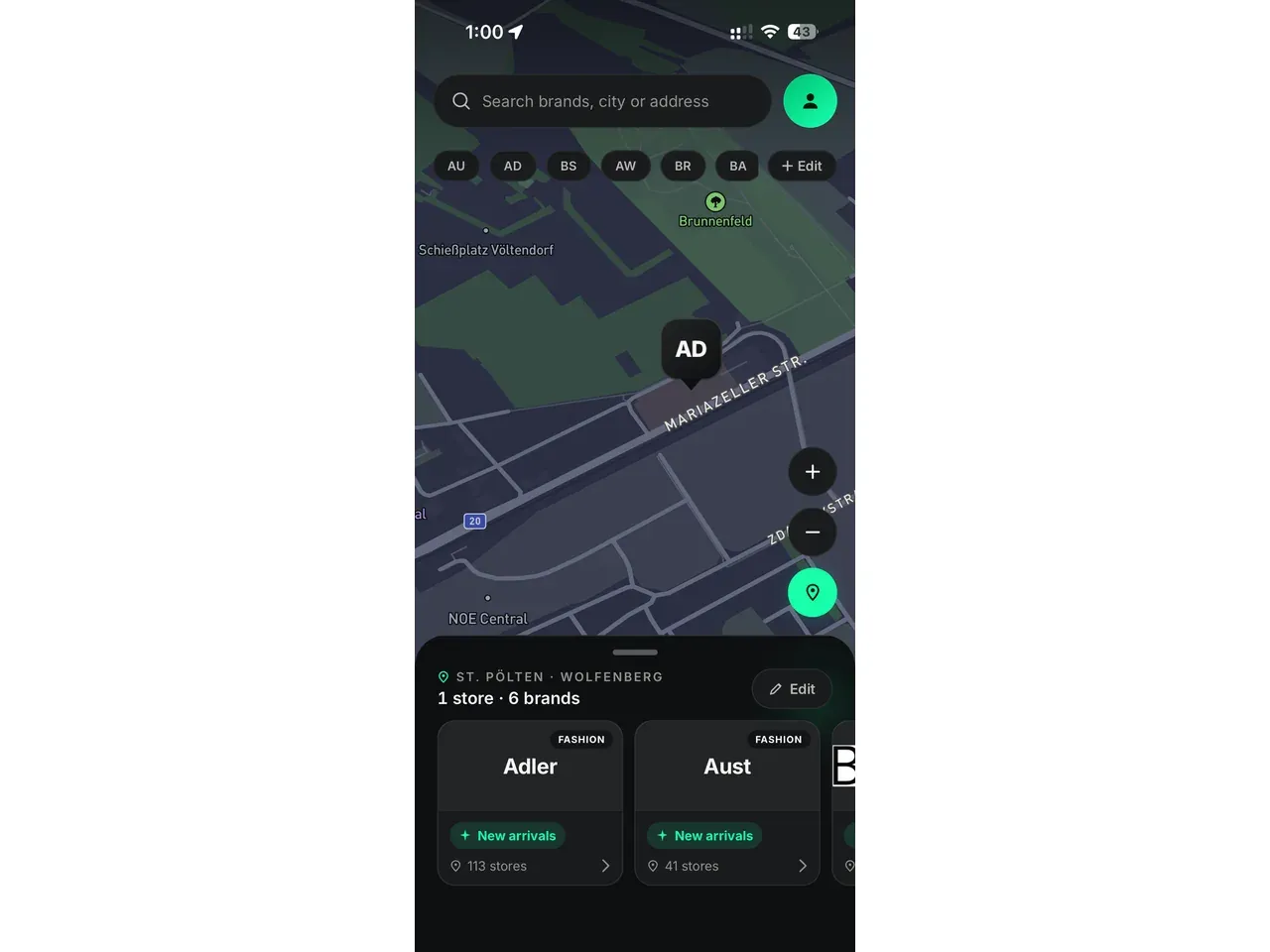
- Show address, hours, distance, and route options for every store.
- Remember a shopper's picks without forcing an account.
- Speak English or German to match the phone.
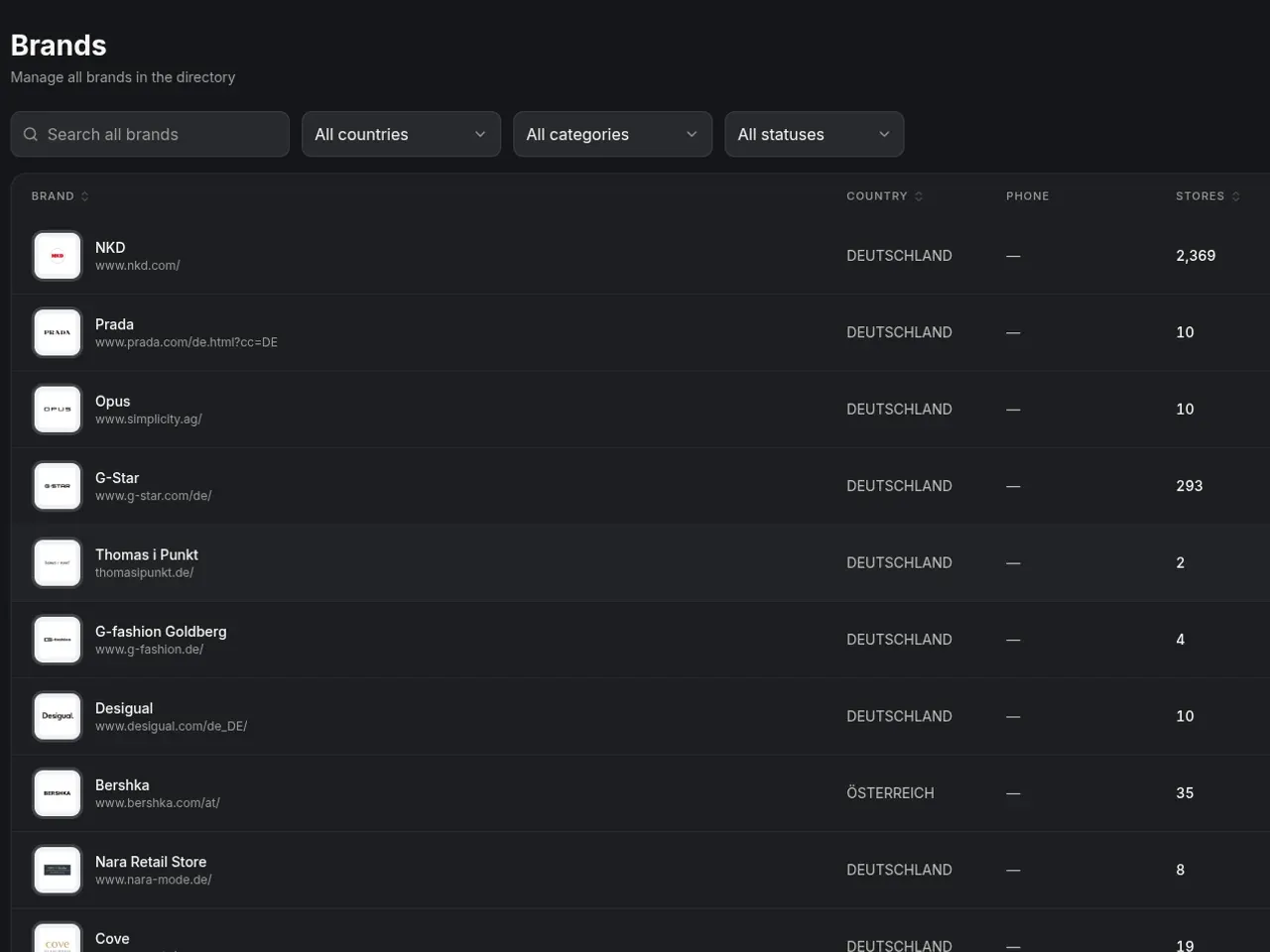
- Let the team import many stores from a CSV and review how well each address matched.
- Separate what regular users and administrators can do.
How we kept the map fast and the data clean.
- 01
Put the map before the sign-up
We built the core flow with no login at all. Your brand picks, consent choices, profile, and saved stores stay on your own phone.
- 02
Run both products on one backend
App and portal share one Supabase backend, so a store your team edits in the portal is the same record the app reads.
- 03
Bound every map query
Your phone asks only for stores in the visible map area and the brands you chose. Each map-area query returns up to 150 stores, so it never pulls the whole catalog.
- 04
Move heavy geocoding to the server
Bulk uploads go to a server queue that works in batches of 100. It tries each address up to 5 times and picks stalled work back up by itself.
- 05
Enforce access in the database
Permission rules live in the database on all 9 public tables. Screens in the portal mirror those rules, but they aren't the lock.
- 06
Check every push before it ships
Each push runs a dependency audit, linting, tests, and code analysis. Builds then move from development to preview to TestFlight to production.
What shoppers and the BrandLocator team get.
Open BrandLocator and you get privacy choices and a short onboarding, then a prompt to pick the brands you want to follow. Grant location access and the map fills with those brands' stores around you. Tap a brand to see its details and current offers, or tap a store for its address, hours, and distance. Route previews cover driving, cycling, and walking, and you can save a store to come back to.
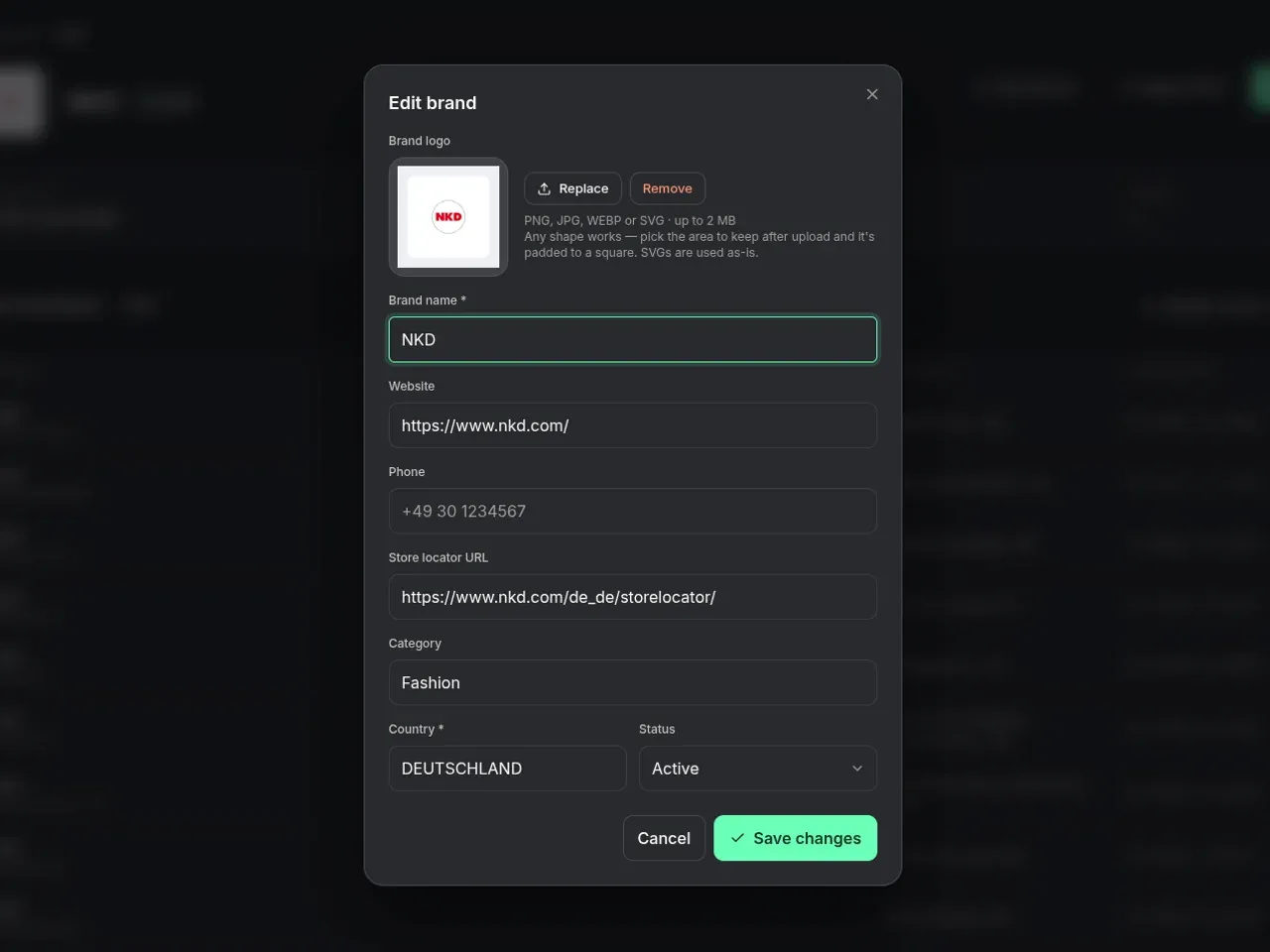
Behind the app sits the admin portal. There, the BrandLocator team signs in to manage brands, offers, stores, and opening hours. They also edit the privacy, about, and support pages and control who on the team can do what. On Android, the app is live on Google Play. The iOS app has been submitted to the App Store and is under review.
- UploadA team member uploads a file of brands and their stores.
- QueueEach store is saved as pending until it has coordinates.
- GeocodeMapbox looks up each address on the server, and failures are retried.
- ReviewMatch precision is recorded, and approximate matches can be re-queued.
- MapActive stores load in the app for the brands and map area in view.
A store record travels from a row in a file to a pin on a shopper's phone, and nobody has to touch the database.
Mobile app
- Expo
- React Native
- TypeScript
- Native Mapbox maps
- TanStack Query
- Zustand
- i18next
Admin portal
- React
- Vite
- TypeScript
- Tailwind CSS
- TanStack Query
- Mapbox GL JS
Shared backend
- Supabase
- PostgreSQL
- Supabase Auth
- Supabase Storage
- Edge Functions
- Row-level security
Integrations, delivery & quality checks
- Mapbox Maps
- Mapbox Geocoding
- Mapbox Directions
- Sentry
- Expo EAS
- Google Play
- GitHub Actions CI
- SonarQube
- Jest
- Vitest
- ESLint
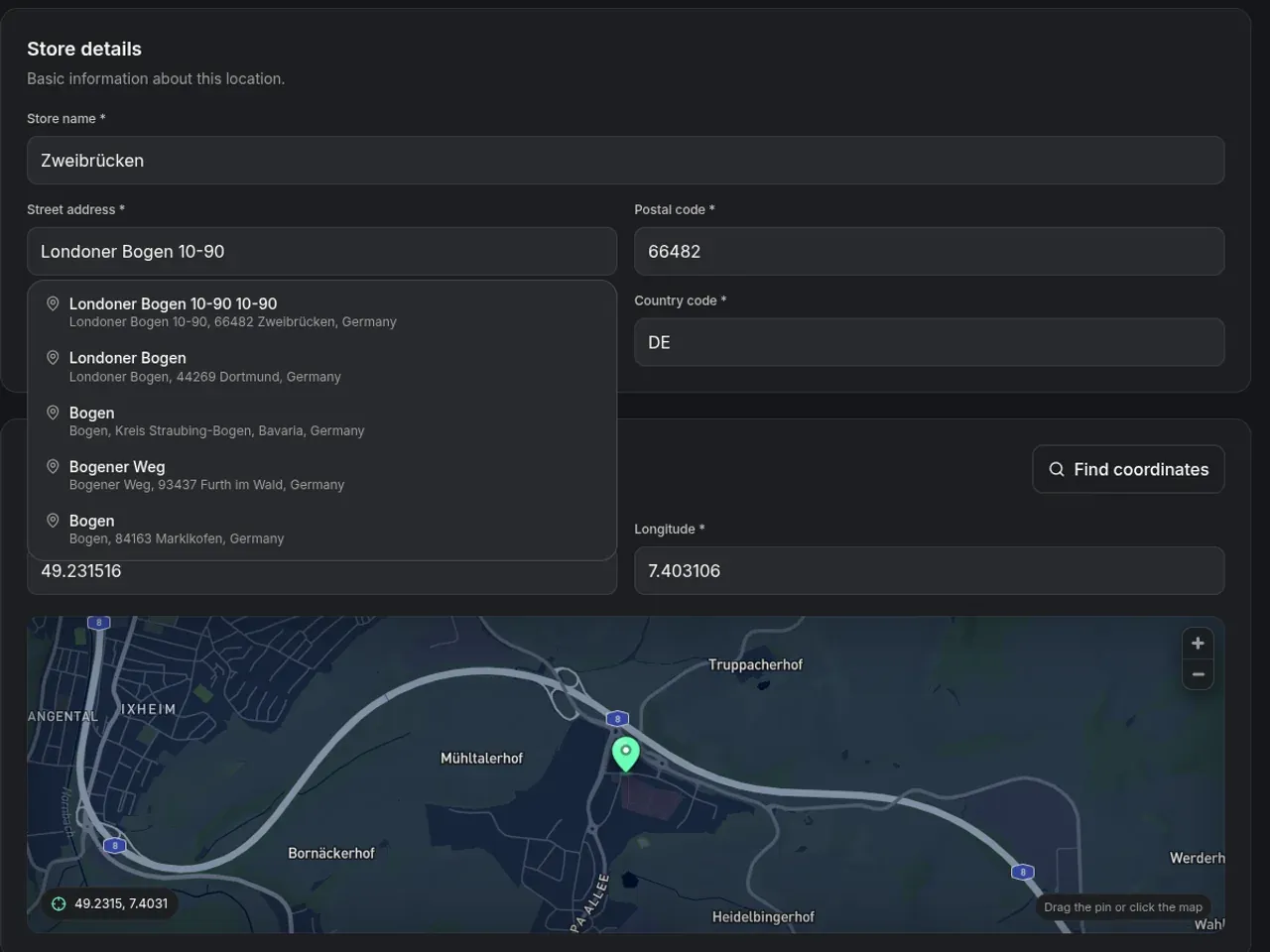
The hard part of BrandLocator sits behind the map. A pin only helps a shopper if the address resolved to the right spot and the hours are current. And no phone should have to load every record at once. That's why a bulk upload goes through a server queue that retries failed addresses and flags approximate matches for review. Geocoding in the browser works for one brand's CSV, but it gets slow and fragile on a large import. If your product lives on a map, give the admin side the same care you give the app.
